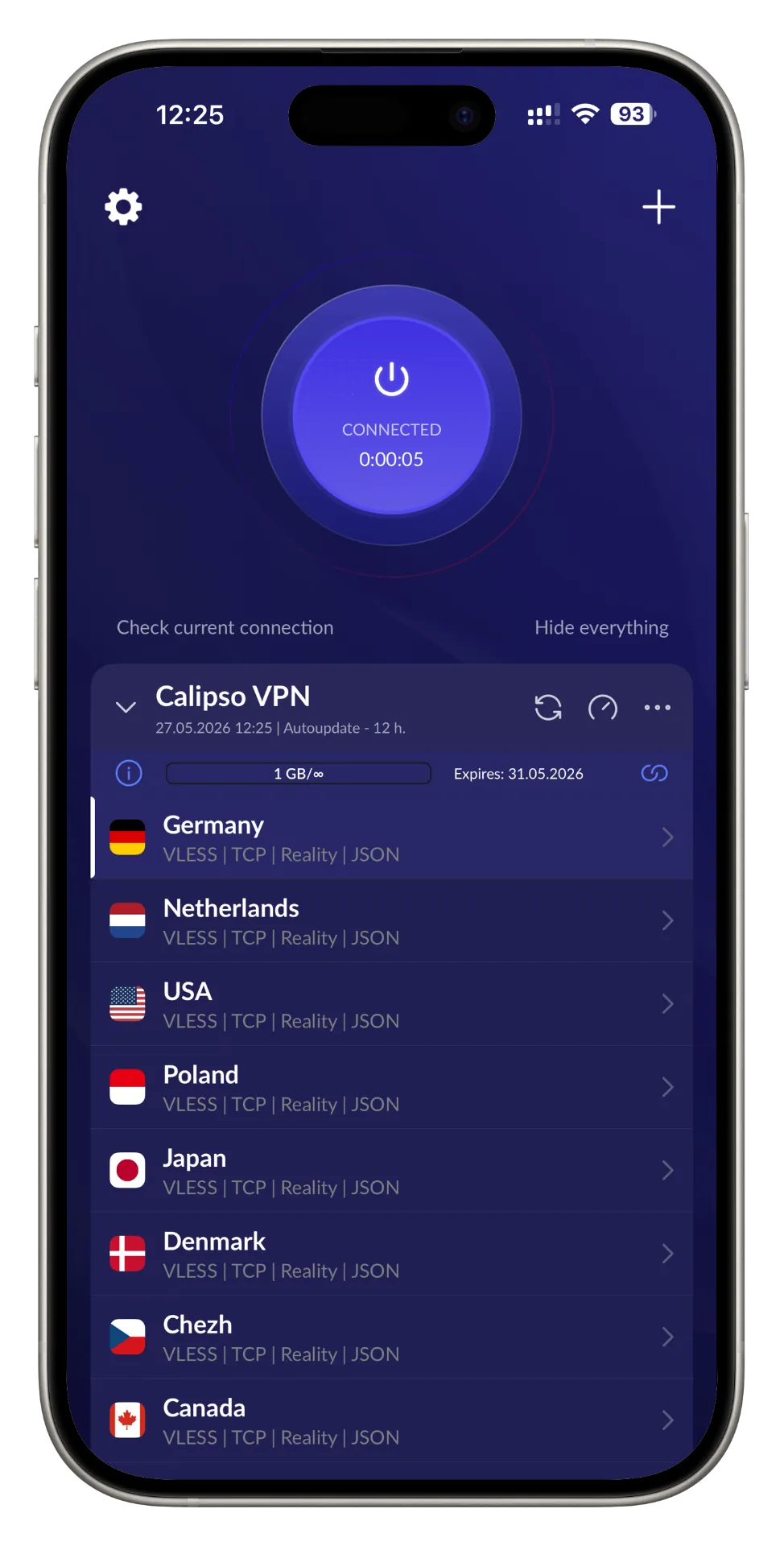
The Shortcut to True Online Freedom
Get the configuration link from our web application
Paste it into the app, and enjoy secure internet access
Encrypted Speed You Can Feel

Easy setup
Connect in one tap

Speed
High performance via WireGuard

Smart protocols
XRAY-CORE with reality obfuscation

Privacy
No logs, no tracking
Your IP Stays Invisible
Calipso hides your real IP address and encrypts every packet so no one can trace, track or profile you online.
IP masking
Your real address is replaced by an encrypted relay
AES-256 encryption
Military-grade tunneling on every connection
DNS leak protection
Queries never escape the secure tunnel
Kill switch
Traffic blocks instantly if the VPN drops
Up to 1 Gbit/s without buffering
Encrypted doesn't mean slow. WireGuard + XRAY-CORE keep 4K streams, gaming and downloads at native line-rate speed.
You are NOT protected right now
Any website you visit can see this information about you. Calipso instantly hides it all.
Analyzing your connection...
Install Calipso to protect your data
Try for freeWhy Calipso beats the rest
Side-by-side: what you actually get compared to typical VPNs, free apps and plain proxies.
| Feature | Calipso | Typical VPN | Free VPN | Proxy |
|---|---|---|---|---|
| Dual-layer XRAY + WireGuard | ||||
| No-logs policy | ||||
| Reality obfuscation (DPI bypass) | ||||
| Kill switch & DNS leak protection | ||||
| AES-256 military encryption | ||||
| 1 Gbit/s peak speed | ||||
| Works in restricted regions | ||||
| One-tap connect on all devices |
Is it safe?
Yes. The app uses modern encryption standards and does not store any personal data. All traffic is securely tunneled and protected from third-party access.
Can I use my own server?
Of course. Calipso VPN is compatible with custom servers. You just need to generate a link with the correct configuration and paste it into the app to connect.
Where can I get a key?
Get the configuration link directly from our web application and paste it into the app to connect.